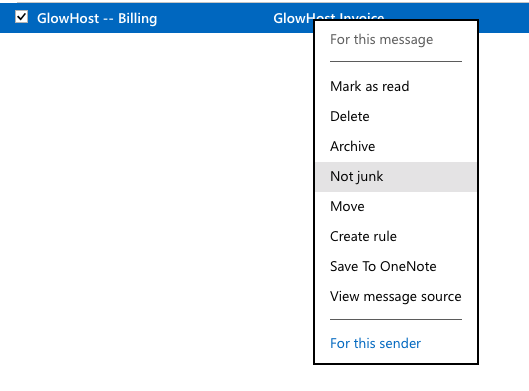
Right click on the email and choose Not junk option.
Many emails from GlowHost have characteristics of spam (for example, when we send IP addresses, usernames, passwords and URLs) which vendors like Microsoft like to filter into the spam folder.
All you need to do is to find the email in Junk folder and mark it as not spam. This way next emails from same recipient will be delivered to inbox.
Right click on the email and choose Not junk option.
That's all. Since now emails from GlowHost won't be marked as spam.
Related articles appear here based on the labels you select. Click to edit the macro and add or change labels.
|